


Which Philips SpeechMike models support ambient recording?


A customer who already uses a Philips SpeechMike Premium may be able to use it for desk-based conversations as well as handheld dictation. Before you quote a replacement, check three things on the actual unit: the model, the serial number, and the installed firmware.
Check the serial number and firmware
Philips limits Conversation Mode to qualifying hardware within three SpeechMike Premium families. Match the model first, then compare the serial number against that family’s cutoff. The final x represents a check digit. Use the preceding digits to compare against the cutoff. June 2021 is a rough manufacturing guide. Use the serial number and firmware to make the decision.
SpeechMike Premium
- Models
-
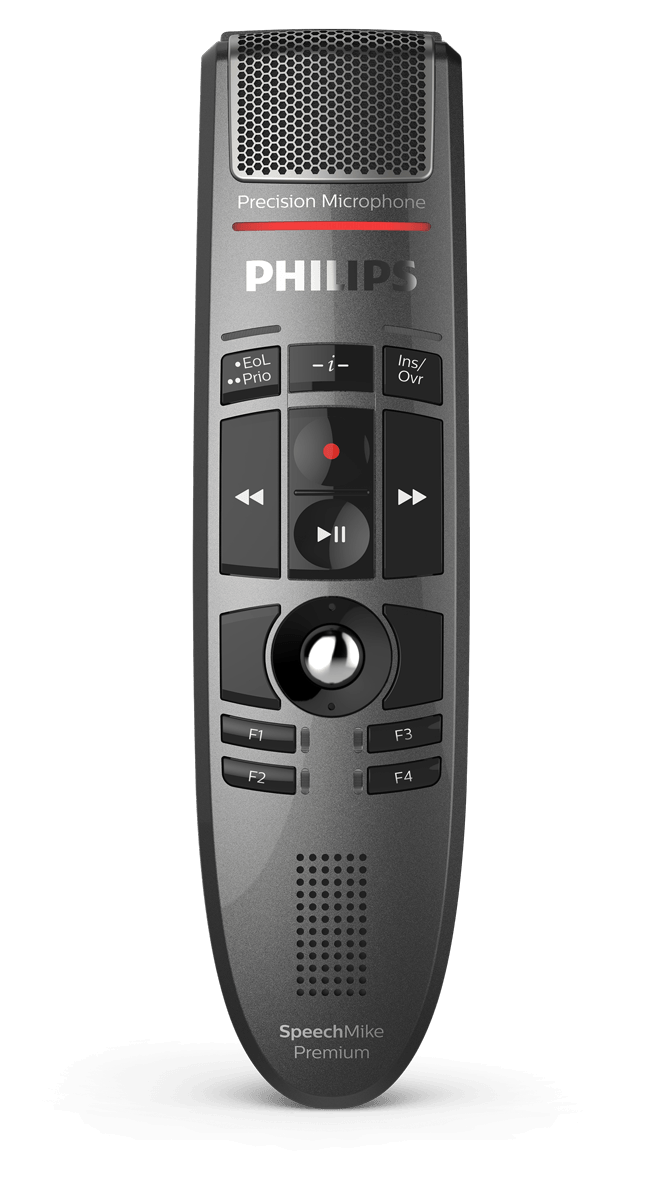 LFH3500/00
-
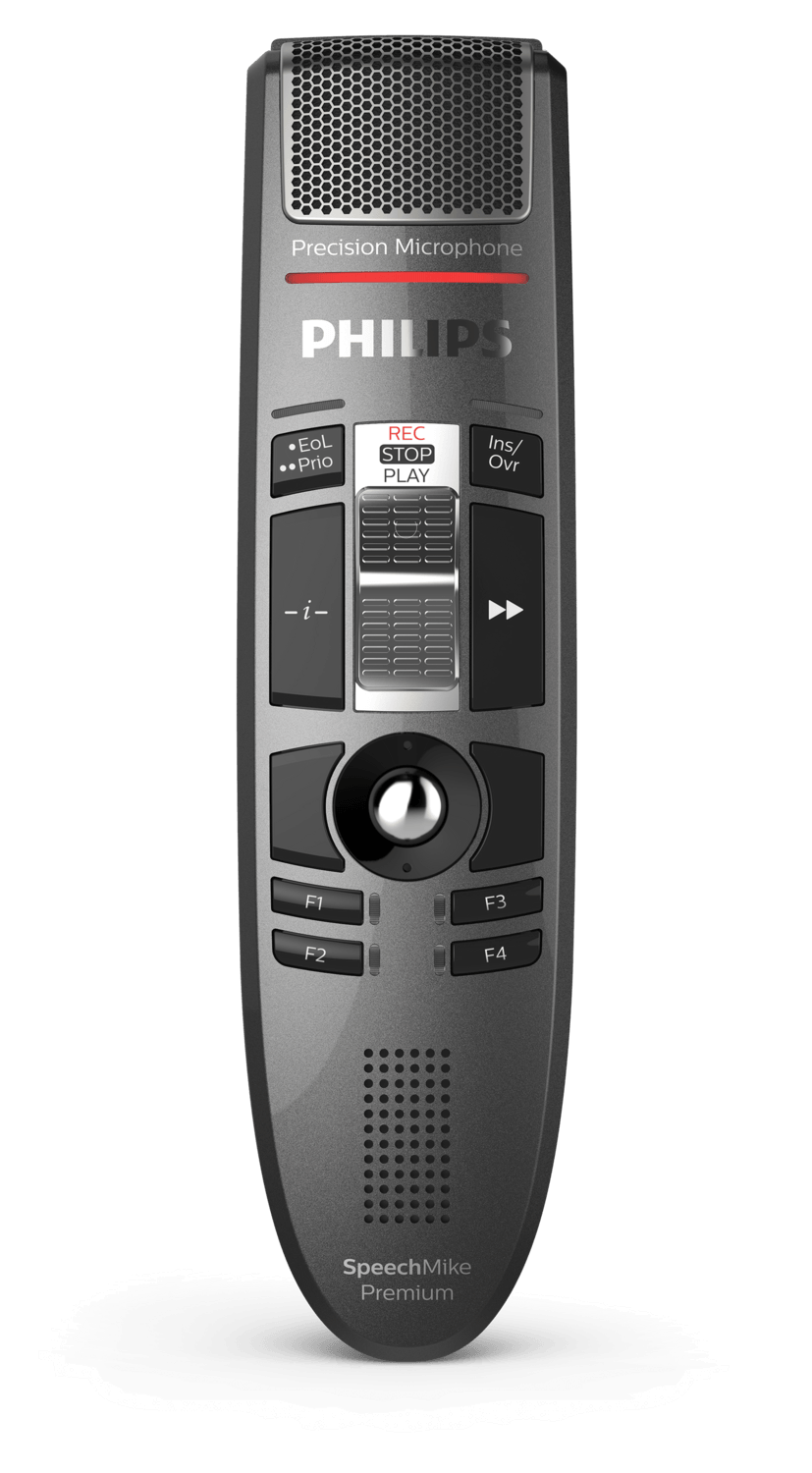 LFH3510/00
-
- Serial cutoff
- 594585x onward
- Firmware
- 3.87 or later supported release
- Exclusion
- LFH3600 series
- Source
- Philips Premium release notes
SpeechMike Premium Touch
- Models
-
 SMP3700/00
-
 SMP3710/00
-
 SMP3800/00
-
- Serial cutoff
- 149890x onward
- Firmware
- 3.87 or later supported release
- Exclusion
- SMP3810
- Source
- Philips Premium Touch release notes
SpeechMike Premium Air
- Models
-
 SMP4000/00
-
 SMP4010/00
-
- Serial cutoff
- 50001x onward
- Firmware
- 4.74 or later supported release
- Sources
- Philips Premium Air release notes and Philips firmware guide
The models above are the eDist options covered in this guide. The LFH3200/00 remains a handheld dictation option and falls outside the Conversation Mode families. Compare SpeechMike models in the eDist catalog.
What Conversation Mode changes
With Conversation Mode enabled, setting a qualifying SpeechMike on the desk switches it to an audio profile for conversations. Picking it up returns it to the focused Dictation Mode. The recording app still controls the recording session. Transcripts and AI-generated notes depend on how the software is configured.
On a supported unit, hold F2 + F4 together for five seconds to cycle through the position-control settings. A brief amber flash on the recording LED confirms Conversation Mode is enabled. Check the recording state in the application separately. IT can also manage the mode with Philips SpeechControl or Philips Remote Device Management Software. Philips Conversation Mode guide
When to choose the wearable
Desk-based conversations
Keep a qualifying SpeechMike Premium when people work at a fixed station and alternate between handheld dictation and conversations they can capture from the desk.
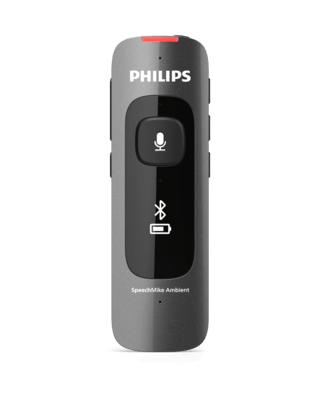
Hands-free capture on the move
Choose the Philips SpeechMike Ambient PSM5000/00 when users need to keep their hands free and move during a conversation. A clip or neck strap keeps the microphone with the wearer as they move around the room. Philips product specifications
What to check before a rollout
Inventory the installed units.
Record the exact model, full serial number, and installed firmware. For a new order, ask the supplier to confirm that the units you’ll receive meet the hardware cutoff.
Update a pilot unit.
Use the supported Philips firmware package for that model family. For Premium Air, review the release notes for any connected dock or AirBridge that also needs an update.
Test in the intended application and room.
Choose the device as the audio input. Try a sample desk conversation and a handheld dictation, then play both back. Confirm how the application starts and stops recording, and check that the software produces the expected output.
Send the model, serial number, firmware version, and target recording application to eDist’s Philips partner team if you need help qualifying an existing fleet or choosing hardware for a new rollout.
Become a Dragon Copilot Reseller
Help healthcare teams adopt Microsoft Dragon Copilot with implementation, training, and support. Explore Philips microphones and dictation tools for the way your customers work.
 Microsoft Dragon Copilot
