


The Missing Link Between Dragon Copilot and Your EHR
Clinical Note Exchange integrates Microsoft Dragon® Copilot with supported ambulatory EHR workflows; helping providers retrieve schedules, capture patient encounters, and send completed notes directly into the chart.
No copying. No pasting. No disconnected documentation workflow.
One Connected Clinical Documentation Workflow
CNEX helps connect Dragon Copilot to the systems providers already use, reducing application switching, repetitive work, and manual note handling.
Retrieve the Schedule
- Retrieve the provider schedule
- Access connected patient information
- Start with the correct encounter
Capture the Encounter
- Capture the natural patient conversation
- Support real-time ambient documentation
- Keep documentation close to the clinical workflow
Generate the Clinical Note
- Create structured clinical documentation
- Review the AI-generated note
- Keep the provider in control before transfer
Send the Note to the EHR
- Review the completed documentation
- Send the note through the supported workflow
- Reduce manual copying and pasting
See the Workflow in Action
Follow the connected experience from schedule retrieval through clinical note review.
Retrieve the provider schedule and identify the correct patient encounter.
Use Dragon Copilot during the encounter to support ambient documentation.
Review the AI-generated clinical note before sending it into the supported EHR workflow.
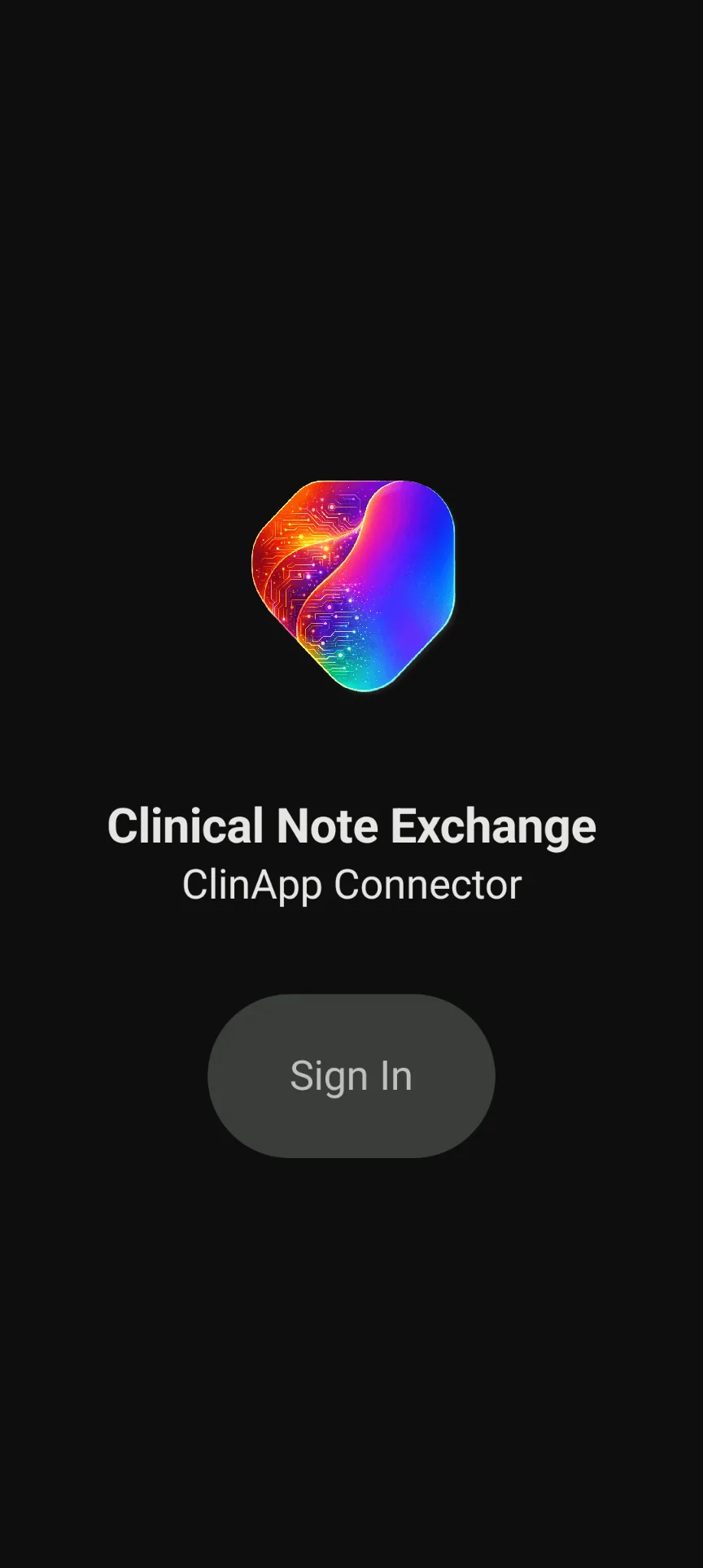
Start in a secure CNEX workflow connected to Dragon Copilot.
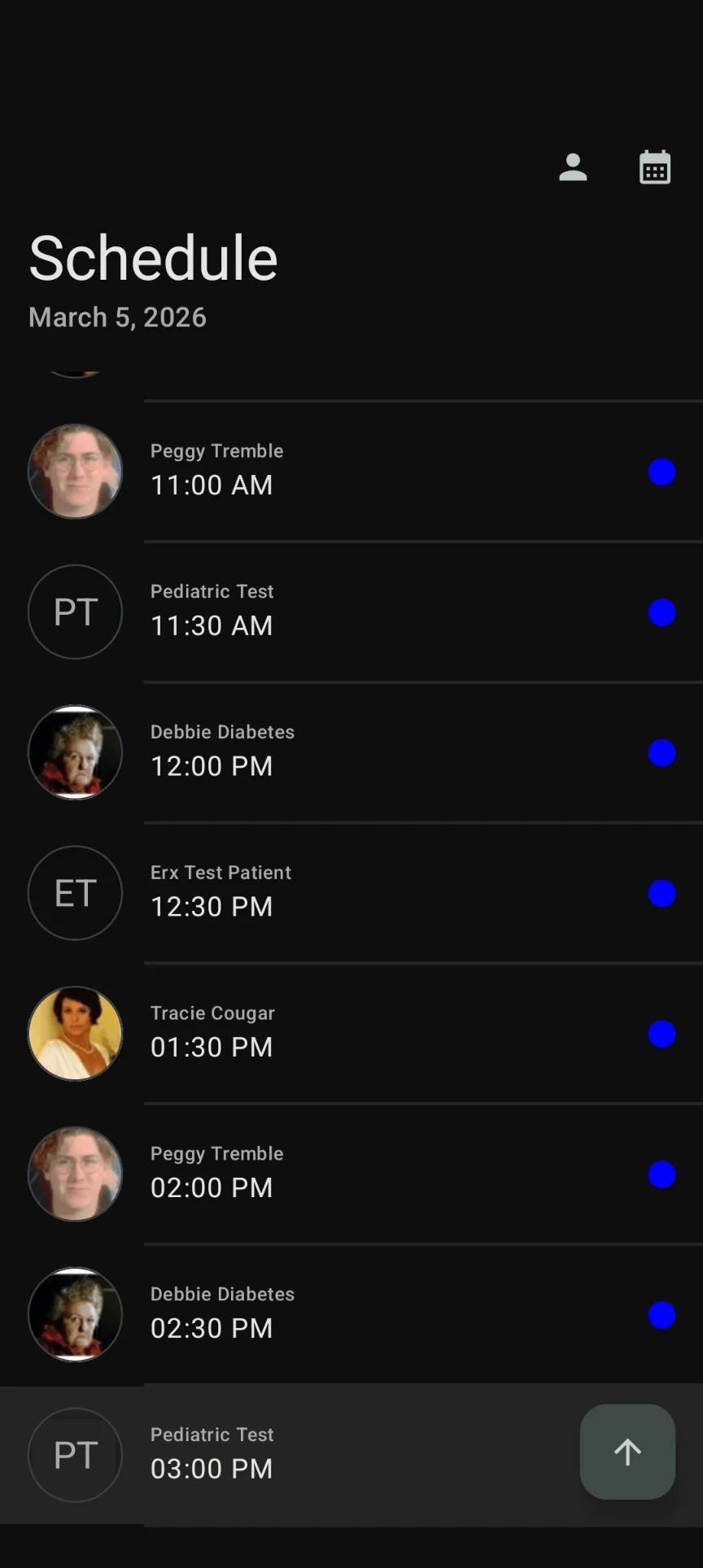
Retrieve the provider schedule and select the right patient without extra application switching.
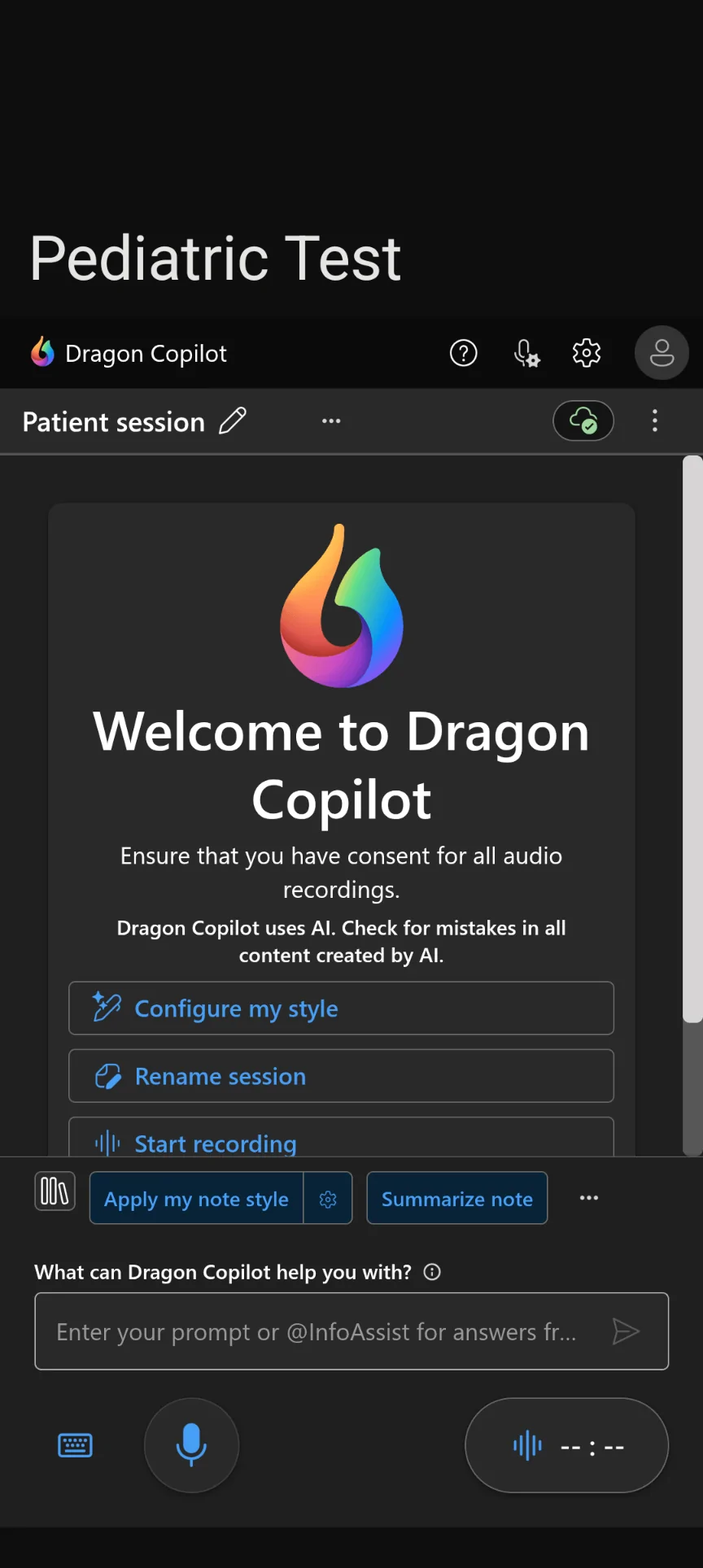
Capture the encounter and guide documentation within a connected clinical workflow.
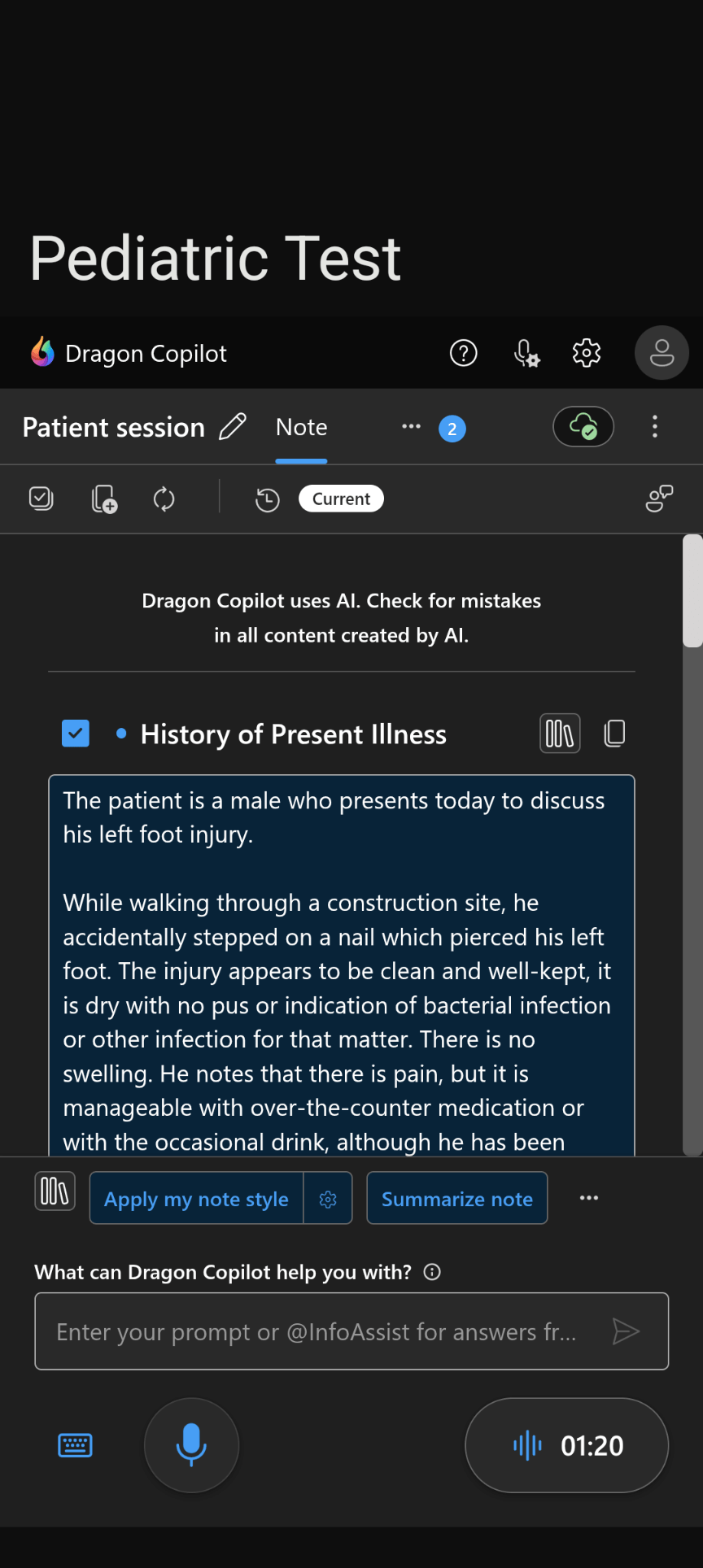
Review AI-generated documentation and move it directly into the chart with fewer steps.
Why CNEX Matters
Dragon Copilot creates the documentation. CNEX helps connect it to the clinical workflow.
No Copying and Pasting
Reduce manual note handling by moving completed Dragon Copilot documentation through the supported patient workflow.
Stay in the Clinical Workflow
Connect Dragon Copilot to systems providers already use and reduce unnecessary application switching.
Fewer Steps to the Chart
Capture the encounter, review the generated documentation, and move it into the chart through a more connected process.
More Patient Care
Reduce workflow friction so providers can spend more time focused on patients and less time managing documentation.
Optimized Workflows for Leading EHR Platforms
CNEX supports connected workflows across leading EHR platforms. Available capabilities are optimized for each environment.
CNEX capabilities can vary by platform, configuration, and implementation requirements.





Available CNEX Workflow Capabilities
Depending on the EHR platform, supported CNEX workflows may include:
CNEX Across the Clinical Organization
A connected documentation workflow creates value for clinical, operational, technical, and partner teams.
Providers
- Less application switching
- Fewer manual documentation steps
- More focus on the patient
Practice Administrators
- More consistent documentation workflows
- Reduced unnecessary administrative work
- A clearer path from encounter to chart
IT Teams
- Structured clinical integration
- EHR-specific workflow planning
- Defined implementation requirements
EHR Partners and Resellers
- A more complete Dragon Copilot solution
- Workflow-focused customer conversations
- Demo and implementation support
Frequently Asked Questions
Common questions about CNEX workflows, EHR compatibility, implementation, and demonstrations.
Document Once. Connect the Entire Workflow.
Dragon Copilot transforms the patient conversation into clinical documentation. CNEX helps move that documentation where it belongs, directly into the EHR through a more connected workflow.